
Sharing your workouts
Ravalen and Strava
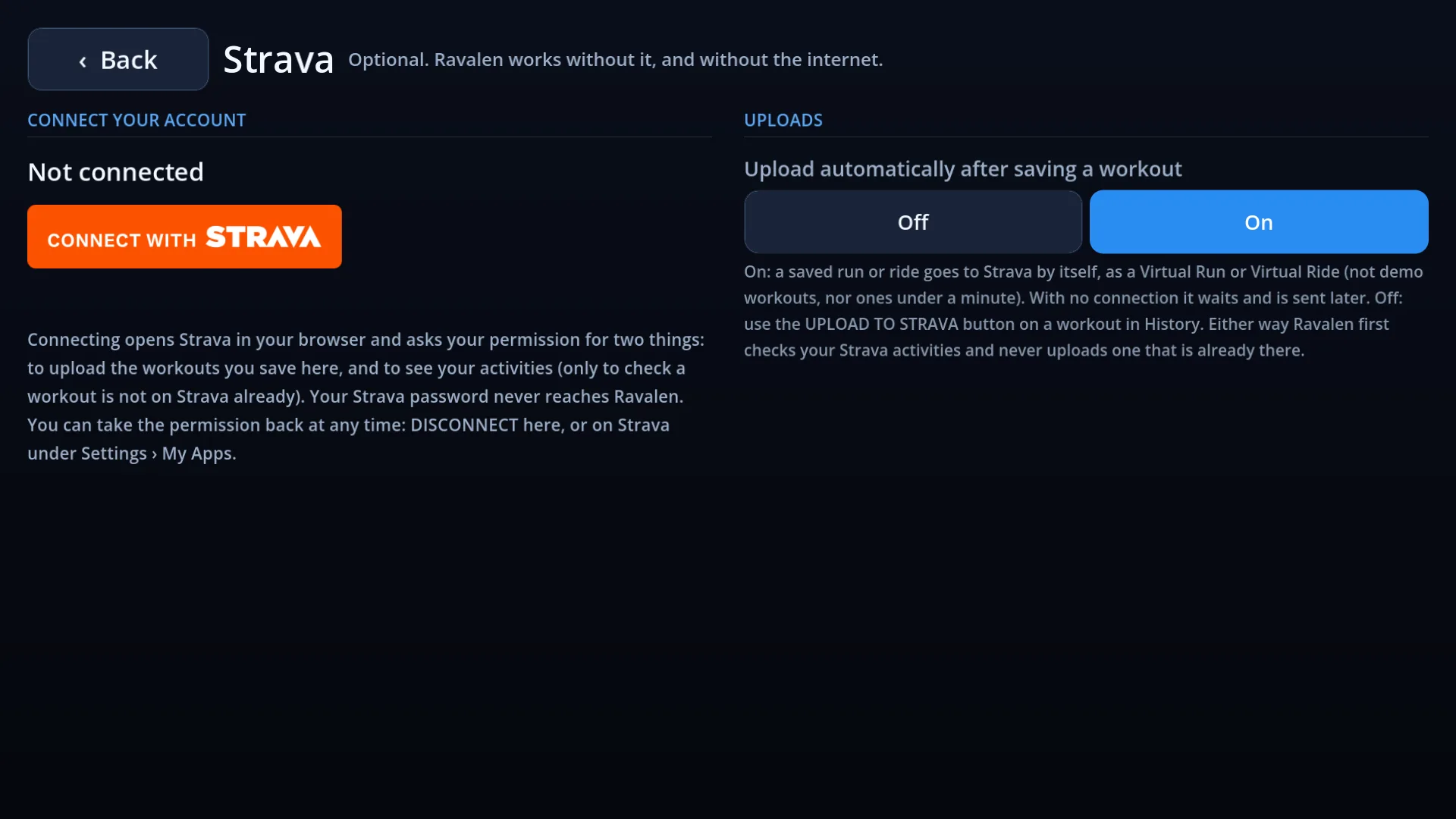
Connect your Strava account once, and every workout you save is uploaded for you as a Virtual Run or a Virtual Ride. It is optional: Ravalen works without it.

Connecting
- Open the Strava screen in the app and press Connect with Strava.
- Strava's own page opens and asks for your permission. Your Strava password never reaches Ravalen.
- Back in the app, it says “Connected”. That is all.
What Ravalen asks for
| Permission | What it is for | Needed? |
|---|---|---|
| Upload your activities | Sending the workouts you save. | Yes |
| View your activities | Checking a workout is not already on Strava, so nothing is uploaded twice. | Optional |
| View your public profile | Showing your name in the app, so you can see which account is connected. | Yes |
Ravalen does not download your activities, read anyone else's, or show Strava's feed anywhere in the app.
What is sent
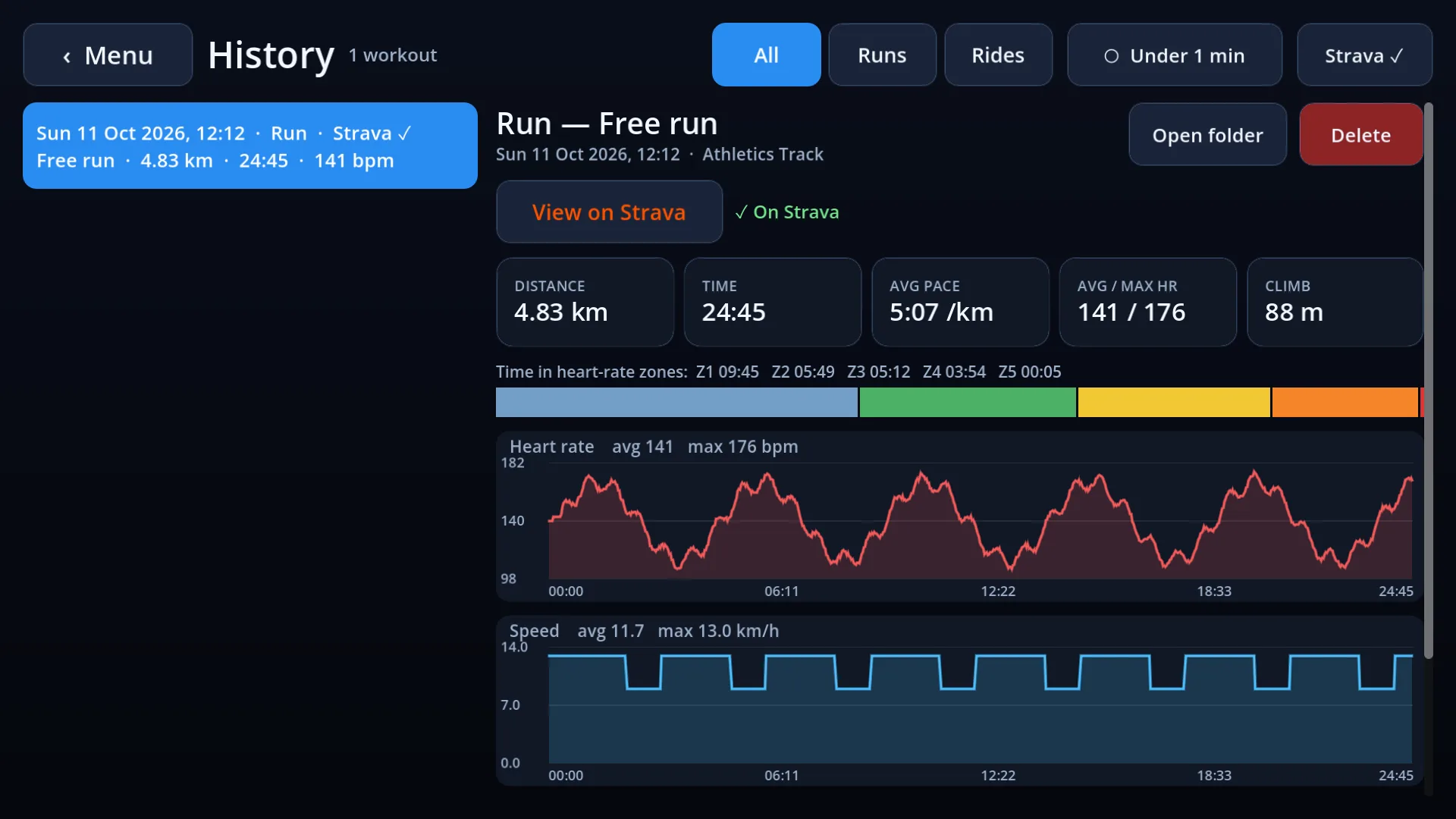
The workout you saved: its time, distance, speed, laps and climb, your heart rate if you wore a strap, and on a ride your power and cadence. Nothing else.
Uploads are automatic after you save, or switch that off and upload workouts one by one from History. With no connection, a workout waits and is sent later.
Where your details are kept
On your device only. Your workouts go straight from the app to Strava. The keys that let the app upload for you are fetched from Strava by way of our server, which adds Ravalen's own password to the request and keeps nothing: we hold no copy of your workouts or of your Strava details. The privacy policy has the whole of it.
Disconnecting
Press DISCONNECT on the app's Strava screen, or remove Ravalen under “My Apps” in Strava's settings. Activities already on Strava stay there until you delete them on Strava.
Strava and the Strava logo are trademarks of Strava, Inc. Ravalen is an independent app, not made or endorsed by Strava. See also the privacy policy.